Made in Adobe Suite, my graphics are designed to be eye-catchingly effective. Every detail naturally drawing your eye to the focal point.
Flyers
Below are examples of graphics designed to printed and displayed or handed out as 8×11 flyers.




Working for a licensing company, I had to be careful to ensure both our brand, and the brand of the vender, were displayed equally on the advertisement.
Magazines
During my time with the Clear, I was given the opportunity to create two graphics to appear in printed magazines. One for a single page, and one to be printed across two pages in a spread.

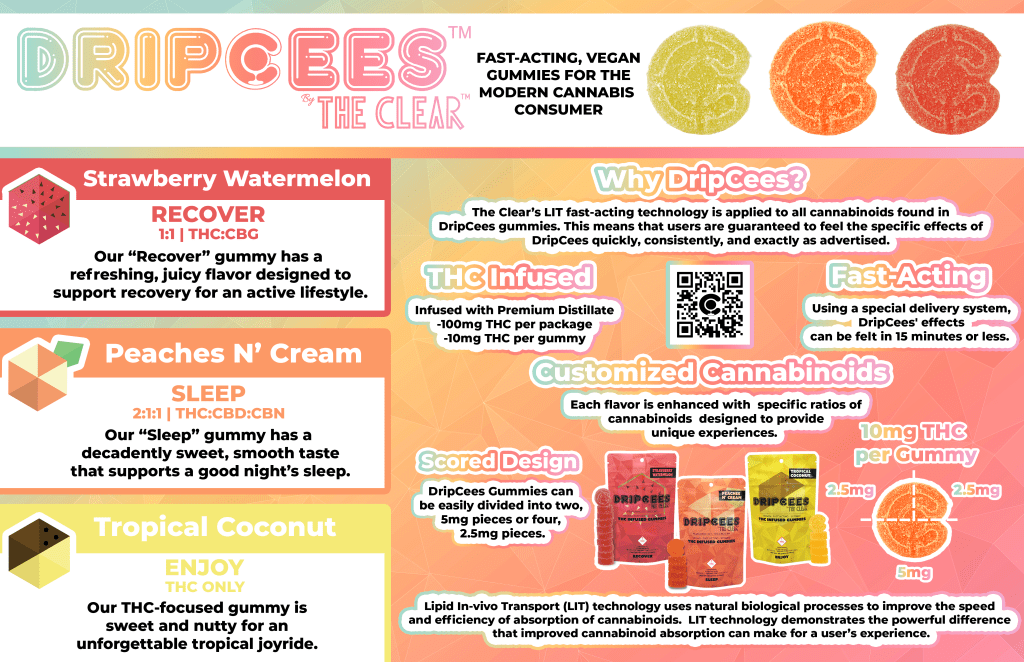
A unique challenge of magazine ads was making sure all the text was balanced. This included text meant to explain the product, as well as the numerous disclaimers required when presenting a product such as cannabis.
Television Screens
In many stores that sold the Clear products, TV screens were used to advertise products carried at that location. I created various graphics designed to be displayed this way.
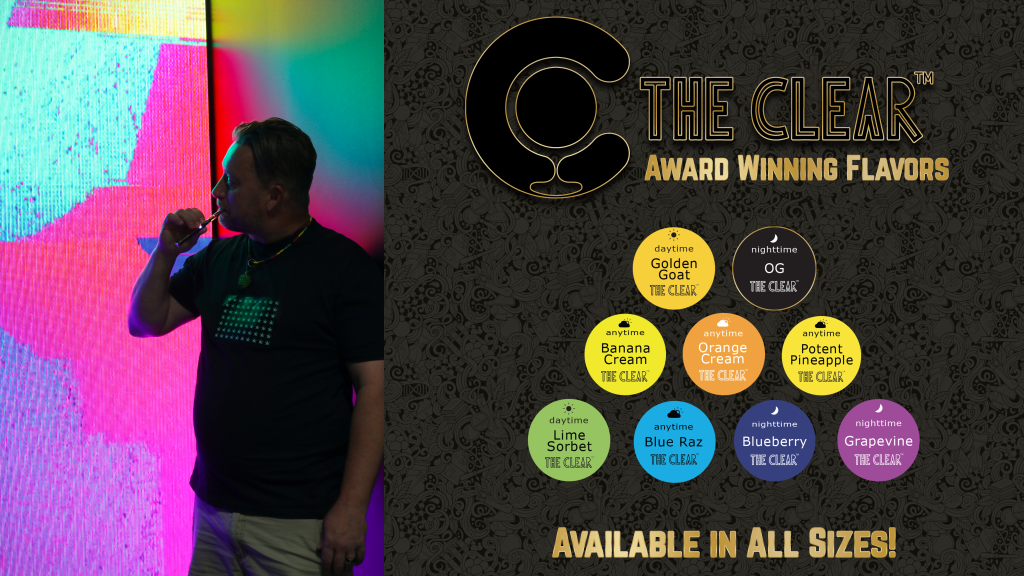



Usually when making these kinds of graphics, I would create a still version like the ones seen above, as well as motion versions for transitions on the screen, in order to better help catch the consumers eye. Below are examples of a motion graphic.
These graphics were made using a Photoshop (PSD) file with each asset on a separate layer, that file was then imported into Adobe After Effects, where the motion was added. It’s meant to be simple, but eye-catching.
Animated GIFs
While working with the Clear, I had the opportunity to create an animated GIF to be used as a sidebar ad. The GIF demonstrated the benefits of the Clear’s cannabis gummies, showing how they could be divided for dosage, and then displaying the different flavors and benefits.
 My Little Archive